Unity Remote Config without building your own dashboard.
Change balance values, feature flags, events and A/B test variants from KalmForge without shipping a new build. Cohort rollouts, audit log and safe offline defaults included.
$ Works with Unity 2022 LTS and Unity 6+
using KalmForge;

public class GameBoot : MonoBehaviour {
    async void Start() {
        await KalmForge.Init("pk_live_...");

        // Read a balance value live from KalmForge.
        var goldPerKill = KalmForge.Config.GetInt("gold_per_kill", 10);

        // A/B test variant for the new shop UI.
        var shopVariant = KalmForge.Config.GetString("shop_variant", "control");

        // Feature flag for the holiday event.
        if (KalmForge.Config.GetBool("event_holiday_2026", false)) {
            EnableHolidayEvent();
        }
    }
}Last config is cached on disk. If the network is down, your defined defaults serve - the game never hangs on a config fetch.
Author keys, set defaults, target cohorts and roll out gradually. Every change is timestamped and attributed in the audit log.
Unity ships Remote Config. So why use KalmForge?
Unity Gaming Services has Remote Config, and it works. But A/B testing lives in Game Overrides, localization is a separate package, live events and store catalog are different products, and the pricing tilts towards larger studios. KalmForge gives small and mid-sized teams the whole live-ops surface in one dashboard.
Three steps from install to live config
Install the Unity package
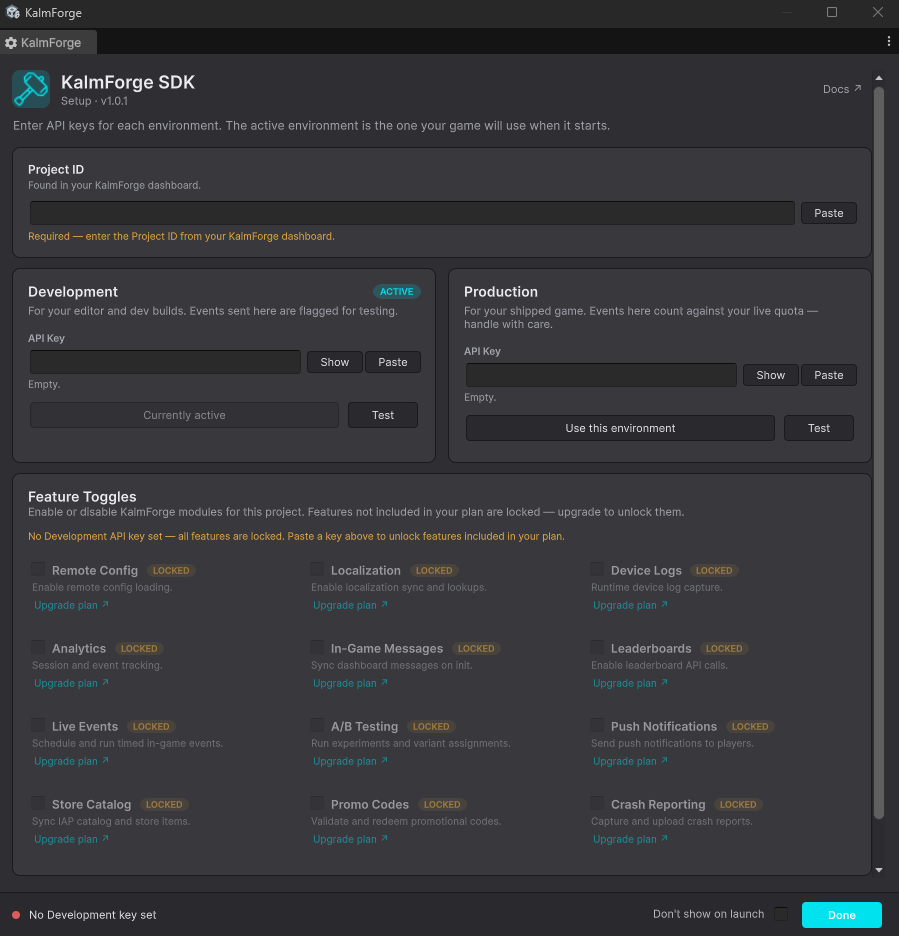
Drop the .unitypackage into your project. Two scenes of setup, no extra services to provision.
Define your config keys
Author keys in the KalmForge dashboard. Types, defaults, descriptions and rollout cohorts all in one place.
Read them in-game
Call KalmForge.Config.GetInt / GetString / GetBool. Cached locally, safe defaults if the network drops.
FAQ
- Does it work offline?
- Yes. The SDK caches the last fetched config locally and falls back to your defined defaults. The game never blocks on a network call.
- Can I run A/B tests on remote config values?
- Yes. Any key can have variant cohorts with traffic split, exposure tracking and per-variant analytics, in the same dashboard.
- Is there a free tier?
- A 14-day Studio trial with no card. After that we have a free tier suitable for prototypes and small live games.
- Which Unity versions are supported?
- Unity 2022 LTS and Unity 6+. The package is a standard .unitypackage with no extra services to provision.
Push your first config in 5 minutes.
14-day free trial. Full Studio-tier access. No card required.
Start free trial